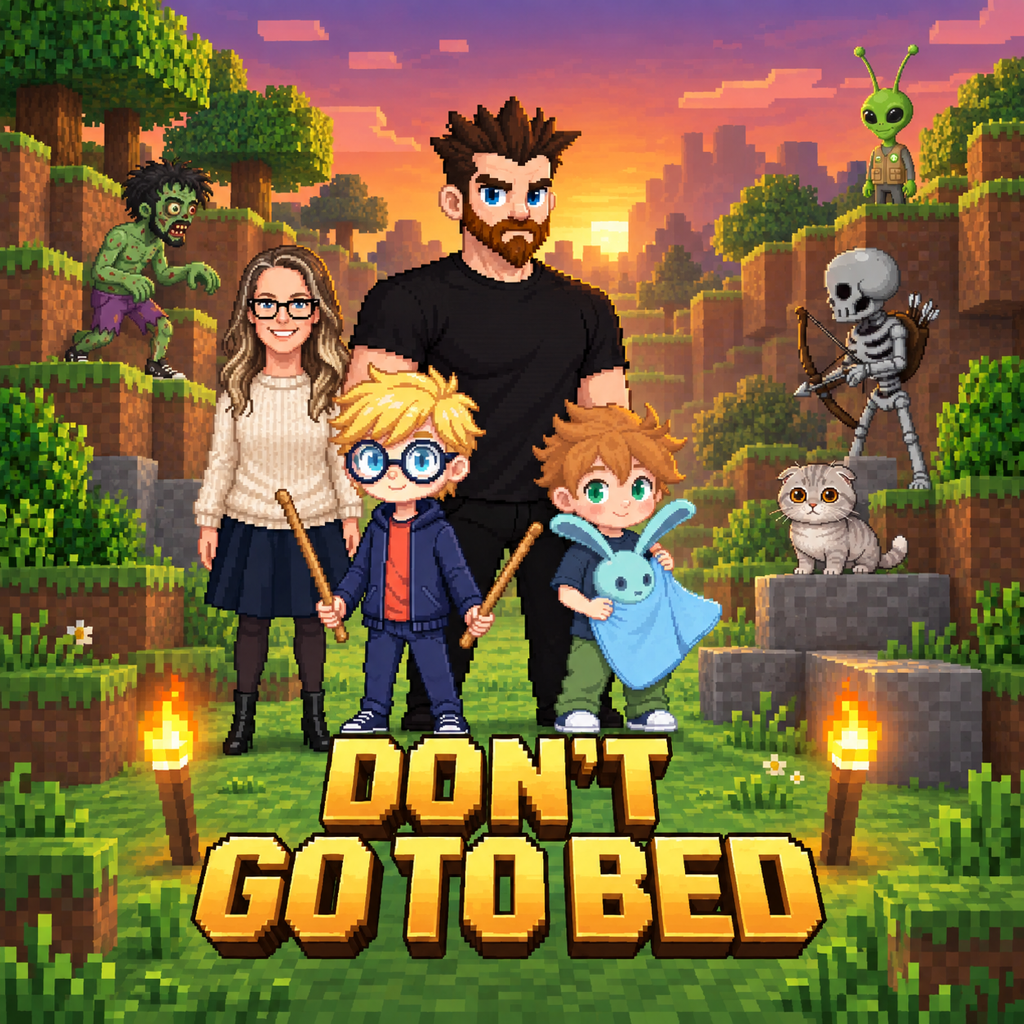
 Don’t Go To Bed
A little help for your adventure
Game support.
Playing together
Connect both devices to the same trusted Wi-Fi. One player chooses Host and the other Join. On iPhone or iPad, allow local-network access in Settings. Guest networks or router isolation may prevent devices from seeing each other. Multiplayer connections are unencrypted and have no internet matchmaking.
Worlds and controls
Worlds and inventory last for the current session. Leaving ends that adventure. Settings are saved. You can use direction buttons instead of the joystick and enable reduced motion and flashes in the game settings.
Optional tips
All gameplay stays free. Tips are repeatable, one-time consumables, not subscriptions or unlocks. If a payment is awaiting approval, check its status in the store before trying again. Refunds and purchase records are handled by Apple or Google.
Contact us
Email info@jamescullimore.dev with your device model, OS and app version, and what happened. Please include accessibility feedback. Do not send passwords, card details or unnecessary personal information about children.
For privacy requests, see data deletion, the Android policy or the iOS policy.